
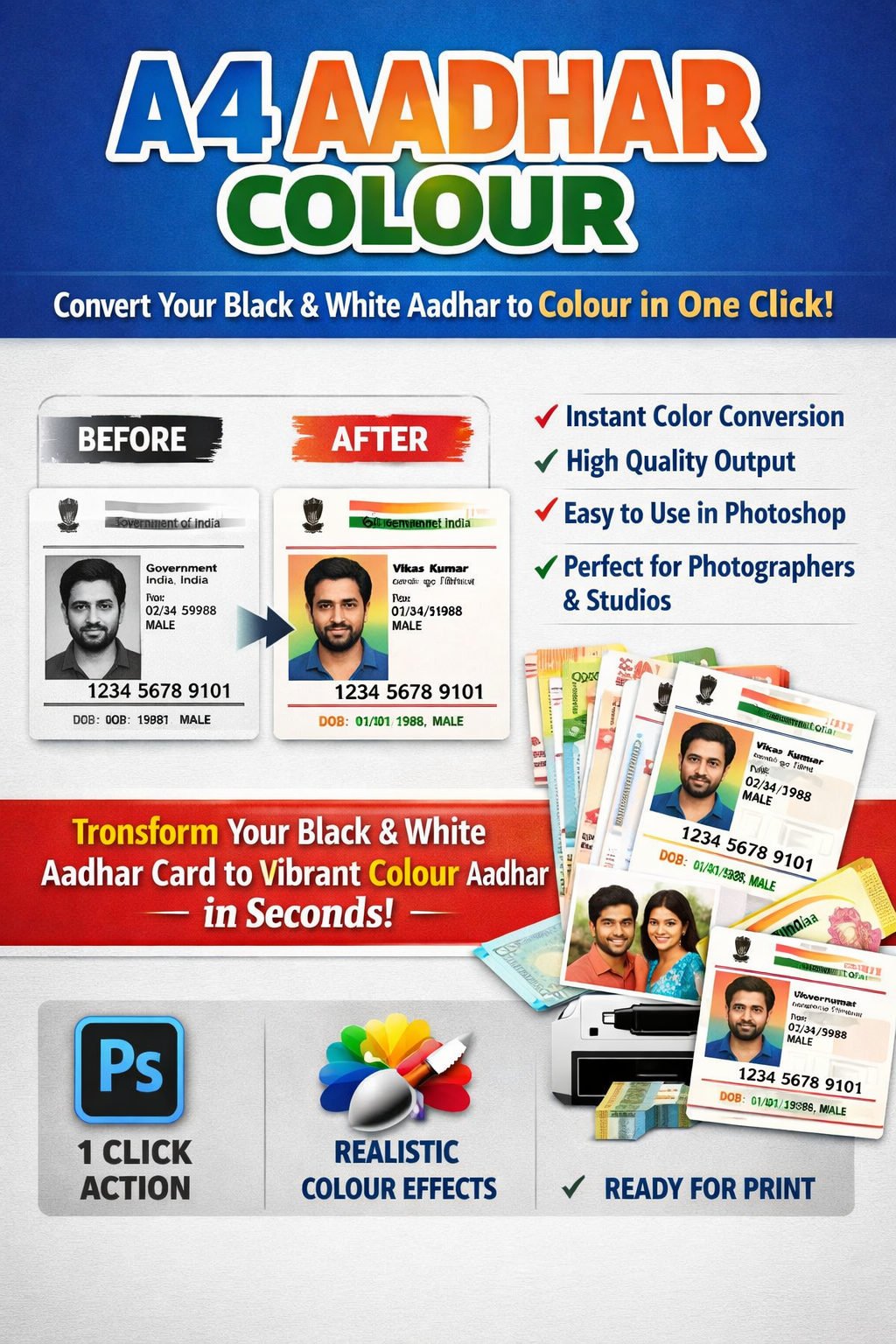
🪪 A4 Aadhaar Colour – Photoshop 1 Click Action
Black & White Aadhaar scan ko professional colour format me convert karo — sirf ONE CLICK me!
Cyber café, photo studio aur document service wale bhaiyon ke liye specially banaya gaya ye Photoshop Action aapka kaam fast, easy aur professional banata hai. Ab manually colour adjust karne ka jhanjhat khatam!
✨ Ye Action Kya Karta Hai?
Agar kisi Aadhaar card ka black & white scan ya low colour copy hai, to ye action usko:
✔ Proper colour tone deta hai
✔ Background clean karta hai
✔ Photo ko natural colour look deta hai
✔ Print-ready A4 format me set karta hai
Matlab — normal scan se clean, colour output in seconds
⚡ Main Features
🔹 1 Click Automatic Process – Bas action play karo, kaam khatam
🔹 Professional Colour Adjustment – Over-saturation nahi, natural look
🔹 Print Ready Output – A4 size me perfect alignment
🔹 Time Saving – 2–3 minute ka kaam ab 10 second me
🔹 Beginner Friendly – Photoshop expert hone ki zarurat nahi
👨💻 Kis Ke Liye Useful Hai?
✅ Cyber Café Owners
✅ Online Form Centers
✅ Photo Studios
✅ CSC / Digital Service Centers
✅ Document Printing Shops
Agar aap daily ID card print ka kaam karte ho, ye action aapka workflow fast kar dega
🖥 Software Requirement
• Adobe Photoshop CS6 ya uske baad ka version
• Windows ya Mac dono me chalega
📦 Aapko Kya Milega?
📁 Photoshop Action File (.ATN)
📄 Step-by-Step Installation Guide
🎥 Video Tutorial (easy setup)
🚀 Use Kaise Kare?
1️⃣ Photoshop me image open karo
2️⃣ Action load karo
3️⃣ Play button dabao
4️⃣ Colour ready output save karo
Bas itna hi!
⚠ Important Note
Ye tool sirf image enhancement, print clarity aur colour correction ke liye banaya gaya hai. Iska use kisi bhi tarah ke illegal editing, data change ya misuse ke liye nahi kiya jana chahiye.
💼 Apne Document Service Ko Professional Banao
Aaj hi download karo aur apne customers ko do fast, clean aur professional colour print output — bina extra mehnat ke.


Reviews
There are no reviews yet.